Airbnb Guest Messaging Automation: Templates, Timing, and Best Practices

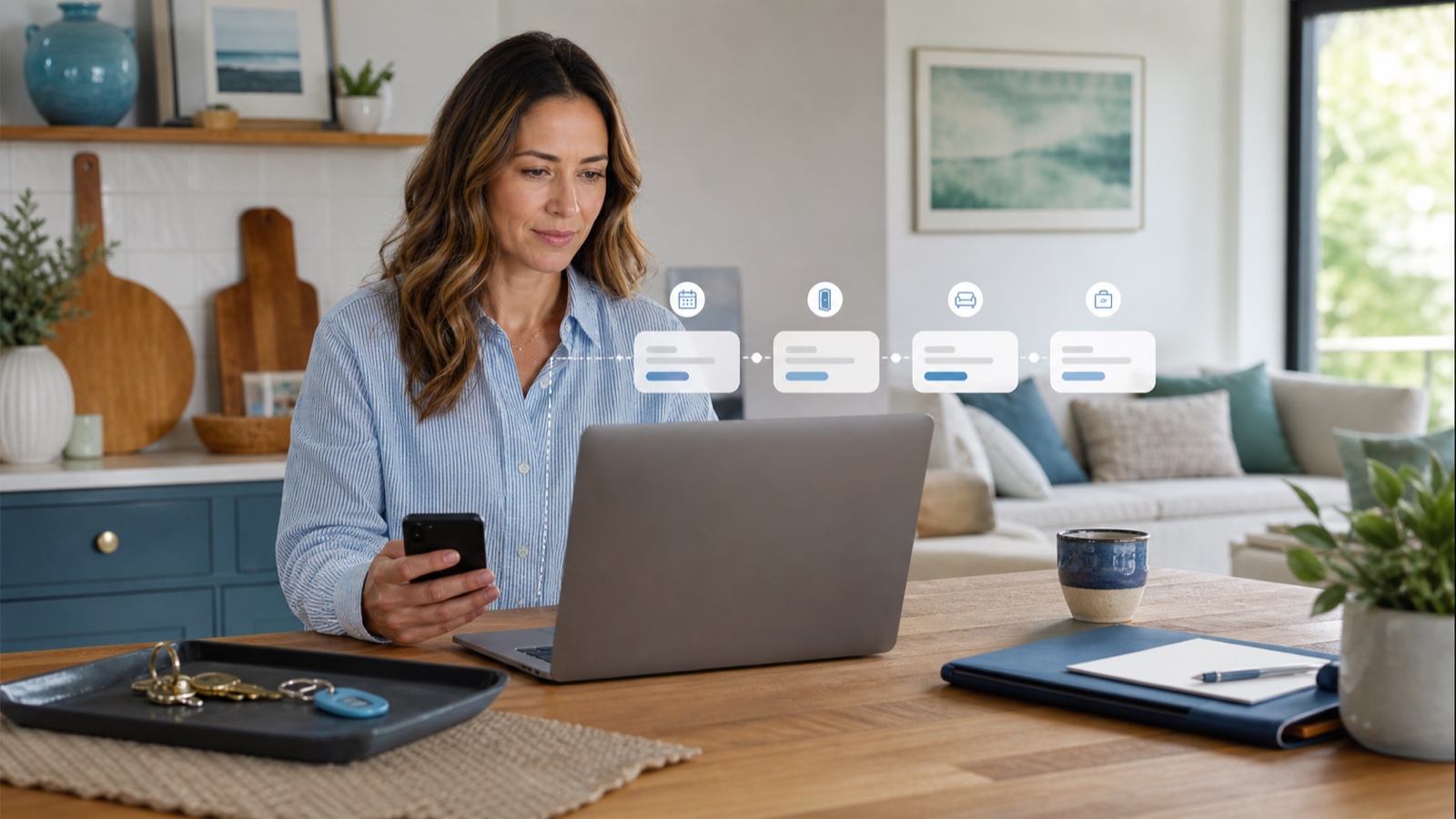
Airbnb guest messaging automation uses scheduled templates and reservation details to send the right information at predictable moments in a stay. Done well, it reduces repetitive work without making guests feel ignored. The key is to automate routine instructions—such as arrival reminders and checkout steps—while keeping questions, exceptions, complaints, and sensitive situations in human hands.
This guide explains how to design an Airbnb guest messaging automation system that stays useful, personal, and easy to manage. You will learn which messages to automate, when to send them, how to write reusable templates, and where automation can create problems. The goal is not to send more messages. It is to give each guest the information they need at the moment they are most likely to use it.
What Is Airbnb Guest Messaging Automation?
Airbnb guest messaging automation is the use of templates, reservation data, and timing rules to prepare or send messages during a guest’s booking journey. A message may be triggered by a confirmed reservation, an approaching check-in, the first morning of a stay, or checkout. Depending on the tool, details such as the guest’s first name, check-in date, and listing information can be inserted automatically.
Airbnb provides scheduled quick replies for hosts. According to Airbnb’s official instructions, hosts can schedule messages around reservation events, review upcoming messages, and skip, edit, or send a message early. Airbnb also notes that scheduled messages are sent in the listing’s time zone, an important detail for hosts who manage properties remotely.
Property management systems and specialized messaging tools may add a unified inbox, conditional rules, team assignments, or templates shared across multiple booking channels. Those extra features can be valuable, but a larger tool does not automatically create better communication. The underlying message plan still matters.
What Should You Automate—and What Should Stay Human?
A useful rule is to automate information that is predictable, repeatable, and low risk. Keep communication human when the correct response depends on context, judgment, or empathy.
Good candidates for automation
- Booking confirmation and a short thank-you
- Reminder to review house rules or required arrival information
- Check-in time, address, parking, and access instructions
- A brief first-night or first-morning check-in
- Checkout time and departure checklist
- Post-stay thank-you message
Messages that usually need a person
- Complaints about cleanliness, safety, noise, or missing amenities
- Refund, cancellation, or compensation requests
- Accessibility questions that require property-specific verification
- Early check-in or late checkout requests that depend on operations
- Maintenance emergencies
- Any message showing confusion, frustration, or distress
Automation should support your response system, not replace it. A guest who reports a broken lock should never receive only a cheerful scheduled reminder about checkout.
Build a Guest Message Journey Before Writing Templates
Start with the sequence of the stay rather than a collection of disconnected templates. Map the moments when a guest has a predictable question and decide whether a message is necessary.
- Booking confirmed: establish trust and confirm the essential next step.
- Several days before arrival: request only information genuinely needed for check-in or compliance.
- Arrival day: provide concise access instructions at a useful time.
- During the stay: check that the guest entered successfully and knows how to reach you.
- Before checkout: explain the departure time and a short, reasonable checklist.
- After departure: thank the guest and close the conversation professionally.
If a message does not reduce uncertainty, prevent a common problem, or make the stay easier, consider removing it. Too many automated messages can hide the information that actually matters.
Airbnb Guest Message Templates You Can Adapt
The examples below are starting points, not universal scripts. Replace every bracketed field, adjust the tone to your listing, and verify that the message matches your current house rules and operations.
1. Booking confirmation
Hi [guest first name], thank you for booking [listing name] for [check-in date]. Your reservation is confirmed. I will send arrival details closer to check-in. If you have questions about the property before then, reply here and I will be happy to help.
This message confirms that the reservation was noticed without overwhelming the guest with instructions they may not need yet.
2. Pre-arrival reminder
Hi [guest first name], your stay at [listing name] is coming up. Check-in begins at [check-in time]. Please review the house rules in your reservation before arrival. If your expected arrival time changes significantly, let me know through this message thread.
Only request documents or additional contact information when there is a legitimate operational or legal reason. Airbnb’s off-platform policy places restrictions on requesting guest contact information and moving communication away from Airbnb, with limited exceptions such as documented legal or compliance requirements.
3. Arrival instructions
Welcome, [guest first name]. The property address is [address]. Check-in starts at [check-in time]. [Brief parking direction.] Enter through [specific entrance] and use [access method]. The code is [code, if appropriate]. If access does not work, message me here or call [approved contact method after confirmation].
Keep the critical action near the top. If access has several steps, number them. Include one backup contact path, but avoid burying the guest in restaurant recommendations before they have entered the property. For more detailed arrival planning, see PainHost’s guide to Airbnb check-in instructions.
4. First-night check-in
Hi [guest first name], I hope you settled in comfortably. Is everything working as expected? If you need help with the property, reply here and I will get back to you as soon as possible.
Schedule this only when someone can monitor replies. Asking whether everything is fine and then leaving the guest unanswered for hours damages trust.
5. Checkout reminder
Hi [guest first name], a quick reminder that checkout is tomorrow at [checkout time]. Before leaving, please [two or three essential tasks]. Make sure you have your belongings and follow [key or lock instructions]. Thank you for staying with us.
Keep departure requests proportionate. A long cleaning list can create frustration, particularly when a cleaning fee is also charged. Include only actions needed to protect the property or prepare the turnover.
6. Post-stay thank-you
Thank you for staying at [listing name], [guest first name]. I hope you had a comfortable trip home. I appreciated hosting you and would be glad to welcome you again.
Do not make the message conditional on a positive review or pressure the guest to ignore a problem. A straightforward thank-you is more credible.
How to Set Up Scheduled Messages on Airbnb
Airbnb’s interface can change, so confirm the current labels in the Help Center. At the time this article was reviewed, Airbnb described the general workflow as follows:
- Open Messages and access message settings.
- Open Quick replies and create a new template.
- Select the listing or hosting type to which the template applies.
- Add the message and any supported reservation or listing details.
- Choose an event, such as booking, check-in, or checkout.
- Select how long before or after the event the message should be sent.
- Review upcoming scheduled messages in the relevant conversation.
Airbnb says hosts can skip, customize, or send an upcoming scheduled quick reply early. That review function is particularly useful for last-minute bookings, changed arrival times, and guests who have already received the information manually.
How to Make Automated Messages Sound Personal
Personalization is not achieved by inserting a first name into a generic sales message. It comes from relevance, accuracy, and an appropriate tone.
Use listing-specific details
A city apartment and a rural cabin need different arrival guidance. Create separate templates when parking, access, weather, building rules, or local conditions differ. One universal template for every property usually becomes vague.
Write like a helpful host
Use contractions, short sentences, and direct instructions. Replace “We are delighted to inform you of the procedures pertaining to your arrival” with “Here is what you need for check-in.” Professional communication does not need to sound corporate.
Give the guest one clear next action
When a response is required, say exactly what to send and why. For example: “Please reply with your approximate arrival time so we can confirm the building’s access window.” Avoid vague requests such as “Let us know your plans.”
Remove details that do not apply
Every template should have a final quality check. A visible placeholder, incorrect door code, or outdated parking rule is worse than sending no automated message.
Timing: When Should Each Message Be Sent?
There is no perfect schedule for every property, but this practical baseline can be adapted:
| Message | Suggested timing | Main purpose |
|---|---|---|
| Booking confirmation | Shortly after confirmation | Confirm receipt and next step |
| Pre-arrival reminder | Three to five days before arrival | Resolve missing information |
| Access instructions | Morning of arrival or after the property is ready | Enable a smooth check-in |
| Stay check-in | First evening or morning | Identify problems early |
| Checkout reminder | Evening before departure | Clarify timing and essential tasks |
| Thank-you | After confirmed departure | Close the stay professionally |
Consider quiet hours and the listing’s time zone. An automated message sent at 2:00 a.m. may feel careless even if the content is correct.
Common Automation Mistakes
- Sending conflicting information: the template says 3:00 p.m., while the listing says 4:00 p.m.
- Ignoring conversation context: a scheduled message repeats a question the guest already answered.
- Automating emergencies: urgent complaints enter the same workflow as routine questions.
- Using too many messages: important access details become difficult to find.
- Leaving placeholders visible: missing property data appears as an empty field or incorrect label.
- Moving guests off-platform unnecessarily: messages request contact details or external communication without a permitted reason.
- Failing to assign responsibility: the guest replies, but nobody on the team is accountable for responding.
Hosts using multiple tools should also prevent duplicate sends. If Airbnb and a property management system are both configured for the same event, the guest may receive two nearly identical messages.
A Practical Automation Checklist
- List the questions guests ask repeatedly.
- Match each question to a point in the reservation journey.
- Automate only predictable, low-risk information.
- Create separate templates for properties with different operations.
- Confirm every variable and placeholder.
- Review Airbnb’s current messaging and off-platform policies.
- Test each template with a sample reservation.
- Assign a person to monitor guest replies.
- Create an emergency escalation process.
- Review templates whenever access, parking, rules, or check-in times change.
- Audit the message timeline monthly for duplicates and unnecessary sends.
Automation works best as one part of a broader communication system. PainHost’s article on Airbnb guest communication covers the human side of clear, responsive hosting, while its overview of Airbnb automation tools provides additional technology context. Verify current product features before selecting any tool.
Frequently Asked Questions
Can Airbnb send automatic messages to guests?
Yes. Airbnb offers scheduled quick replies that can be tied to events such as a new reservation, check-in, or checkout. Hosts can review upcoming messages and, according to Airbnb’s current instructions, skip, edit, or send them early.
How many automated messages should an Airbnb host send?
There is no universal number. Most stays need only a few operational messages: confirmation, arrival information, a brief check-in, checkout instructions, and a thank-you. Remove any message that does not reduce uncertainty or help the guest complete an action.
Should I send the door code automatically?
That depends on your access system and security process. Send codes only through an approved channel and at a time consistent with property readiness. If codes change between reservations, verify that your automation receives the correct code for the correct guest.
Can automated messages replace a host or co-host?
No. Templates can handle routine information, but a person must remain available for questions, complaints, maintenance issues, and exceptions. Automation without response coverage creates a false impression of support.
Should I message guests outside Airbnb?
Airbnb encourages communication through its message thread and restricts attempts to move guests off-platform or collect contact information for unrelated purposes. Review the current off-platform policy and any documented exception that applies to your property.
Final Takeaway
Effective Airbnb guest messaging automation is a carefully designed service workflow, not a collection of copied templates. Automate routine information, keep messages short and property-specific, review scheduled sends, and make sure a real person can respond when the situation changes. Begin with one listing and a small set of messages, test the complete journey, and expand only after the system works reliably.
For another practical improvement to your hosting workflow, download the PainHost checklist and review each stage of your guest experience before your next arrival.

Artigos Relacionados


Sobre o Autor

0 Comentários