Digital Welcome Book for Vacation Rentals: What to Include and How to Organize It

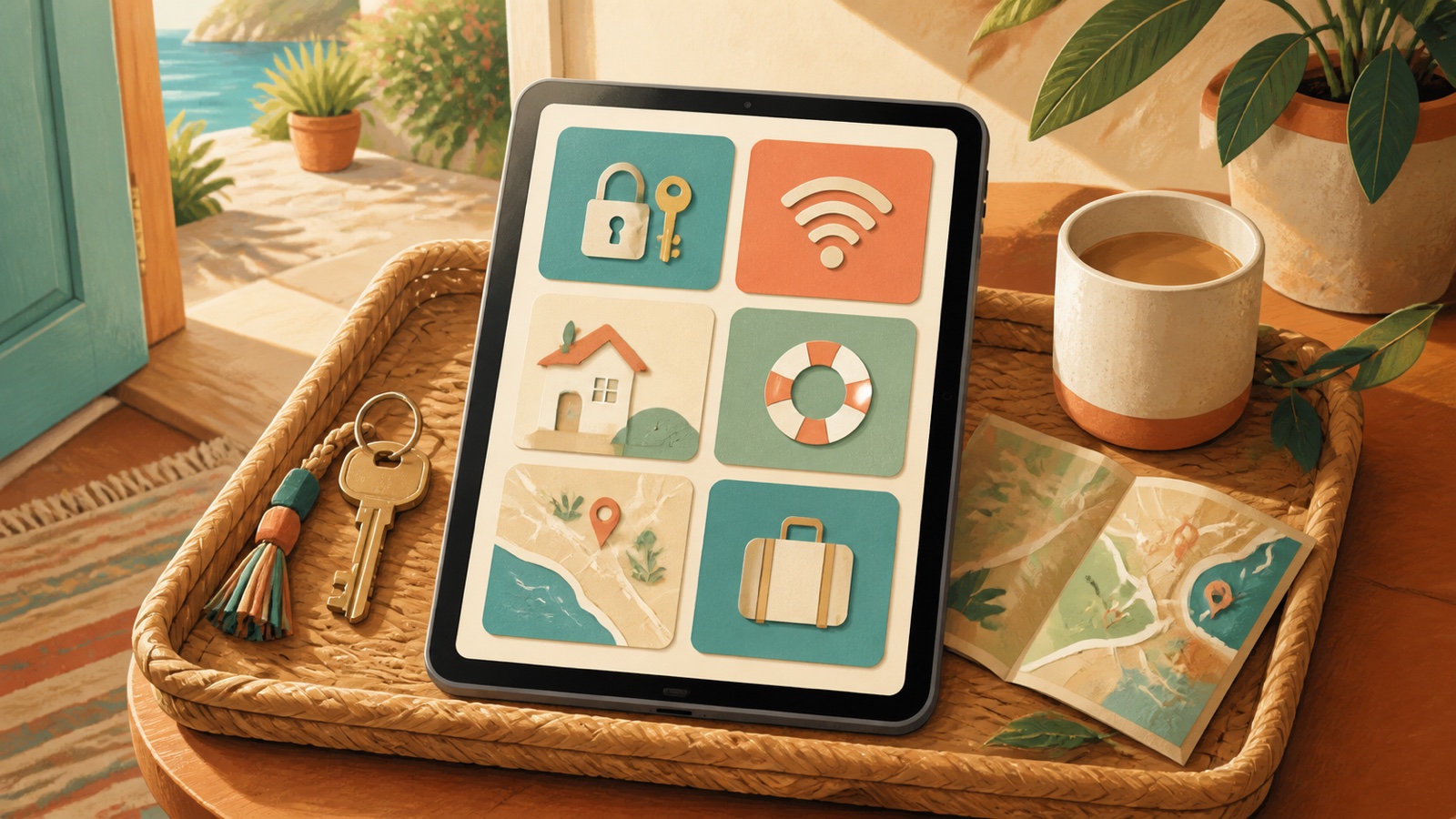
A digital welcome book gives vacation-rental guests one organized place to find arrival details, property instructions, safety information, house rules, and local recommendations. Its purpose is not to replace the host. It reduces predictable questions while making urgent help easier to find.
The best welcome books are short enough to scan on a phone, specific to the property, and maintained as operations change. This guide explains what to include, what to leave out, how to organize the information, and how to connect the guide with Airbnb’s arrival tools and guest messaging.
What Is a Digital Welcome Book?
A digital welcome book is a mobile-friendly guide that helps confirmed guests arrive, use the property safely, follow essential rules, solve common problems, and discover relevant local places. It may be hosted in a dedicated guest-guide platform, a property management system, a private webpage, a PDF, or the booking platform’s own guidebook and house-manual tools.
A welcome book often combines three types of content:
- Arrival guide: directions, parking, access, and check-in.
- House manual: Wi-Fi, appliances, climate control, safety equipment, and property procedures.
- Local guidebook: personally selected restaurants, shops, transport, and activities.
These sections should be connected, but not mixed into one long page.
Digital Welcome Book vs. Airbnb Guidebook
Airbnb provides built-in tools that may already cover much of what an Airbnb-only host needs. According to Airbnb’s guidebook instructions, hosts can add places and local advice, associate a guidebook with listings, share it outside Airbnb, and produce a printable version. Airbnb also notes that host guidebooks are public.
Property-operation details belong in the arrival guide or house manual rather than a public local guidebook. Airbnb says confirmed guests can access address and arrival-guide details, including check-in method, checkout instructions, and house manual, in their trip information.
An independent digital welcome book can be useful when you:
- Accept bookings through several channels
- Manage multiple properties
- Need richer formatting, videos, or property-specific troubleshooting
- Want one consistent guide for direct and platform guests
- Need multilingual versions
Do not expose door codes, private addresses, alarm instructions, or guest-specific data on a public page.
What to Include in a Vacation Rental Welcome Book
1. A short welcome
Open with two or three sentences. Confirm the property name, explain what the guide contains, and state how to contact the host. Avoid a long brand story before the guest can find access information.
2. Emergency information
Make urgent information visible without scrolling through the full guide:
- Local emergency number
- Property address for emergency services
- Host or manager emergency contact
- Location of fire extinguisher and first-aid supplies
- Emergency exits and evacuation instructions
- Instructions for gas, water, electrical, or severe-weather emergencies when applicable
Do not ask a guest to diagnose a dangerous condition. Tell them when to leave the property and contact emergency services.
3. Directions and parking
Include the exact entrance, parking location, building name, unit number, landmarks, and any restrictions. Use current photos when the correct gate or driveway is difficult to identify. Explain what not to do, such as parking in a neighbor’s space, without sounding punitive.
4. Check-in steps
Present access instructions as a numbered sequence. Separate permanent directions from reservation-specific credentials. A smart-lock code should be delivered securely and only to the correct confirmed guest at the appropriate time.
For a broader arrival workflow, see PainHost’s guide to Airbnb check-in instructions.
5. Wi-Fi
Place the network name and password near the beginning. Verify capitalization and special characters. If the property has multiple networks or weak-signal areas, explain which network to use and where.
6. Essential house rules
The welcome book should summarize rules already disclosed before booking. It should not introduce a major surprise after payment. Highlight quiet hours, smoking, pets, visitors, parking, shared spaces, waste, and occupancy where relevant.
7. Appliance and amenity instructions
Explain only what a guest cannot reasonably infer. Use short steps for:
- Heating and air conditioning
- Hot water and boiler controls
- Television and streaming guest mode
- Washer, dryer, and dishwasher
- Fireplace, grill, pool, or hot tub
- EV charger
- Waste and recycling
Airbnb’s house-manual guidance recommends clear step-by-step instructions and identifies Wi-Fi, appliances, and safety-device locations as useful subjects.
8. Troubleshooting
Create short answers for common, safe problems:
- What to check if Wi-Fi disconnects
- How to reset a simple tripped outlet, if safe
- Which remote controls which device
- What to do if a smart lock battery warning appears
- Who to contact when a problem continues
Never place hazardous repair instructions in the guide. Escalate gas smells, smoke, flooding, exposed wiring, and security concerns.
9. Local recommendations
Recommend places you know rather than copying a generic tourism list. For each recommendation, include:
- Why you recommend it
- Approximate location or travel time
- Who it suits
- Accessibility or reservation notes you have verified
- A link to the business’s current official page
Airbnb recommends keeping guidebook entries brief, personal, and updated. Opening hours, ownership, accessibility, and reservation policies can change, so avoid hard-coding details you will not maintain.
10. Checkout
List the checkout time and only essential departure tasks. Explain key return, lock procedure, trash, dishes, and thermostat settings when necessary. A guest should be able to scan the section in under a minute.
How to Organize the Guide
Use the guest journey as the navigation:
- Start here
- Emergency help
- Getting to the property
- Check-in and access
- Wi-Fi and essentials
- Using the home
- House rules
- Local recommendations
- Checkout
- Contact the host
Add a search function or table of contents for longer guides. Use descriptive labels such as “How to use the heating” rather than creative names guests may not recognize.
Write for a Guest Holding a Phone
A guest may be tired, outside in the rain, or using mobile data. Design for that situation:
- Use short paragraphs and numbered steps.
- Keep critical instructions above optional recommendations.
- Use high-contrast text and readable type sizes.
- Add captions to instructional images.
- Provide alt text for meaningful images.
- Avoid large downloads as the only access method.
- Provide a printable or offline backup where connectivity is unreliable.
Do not communicate instructions only through color. A red button may be indistinguishable to some users; label the control by name and location.
Photos and Video: When They Help
Use media to clarify an action, not decorate every page. Helpful examples include:
- The correct driveway or building entrance
- The location of a lockbox
- The difference between two similar remotes
- The position of a hidden appliance switch
- A short safe-use demonstration for an amenity
Update media when the property changes. An old lockbox photo can cause more confusion than text alone.
How to Deliver the Welcome Book
Use more than one access point without sending the same long message repeatedly:
- Add appropriate information to the booking platform’s arrival guide.
- Send a short pre-arrival message linking to the guide.
- Place a QR code inside the property.
- Leave a concise printed emergency and Wi-Fi card.
- Include the guide in the reservation confirmation for direct bookings.
The link should be easy to recognize and should not require guests to create an unnecessary account. If analytics are used, disclose tracking and follow applicable privacy requirements.
PainHost’s guide to Airbnb guest messaging automation explains how to time routine information while keeping exceptions and complaints human.
How to Choose Digital Welcome Book Software
Start with requirements rather than a list of brands. A single-property Airbnb host may be well served by Airbnb’s built-in tools. A multi-channel manager may need one guide that can be connected to every reservation.
Evaluate software using these criteria:
- Mobile readability without an app download
- Property-specific access controls
- Easy updates and version ownership
- Offline or printable access
- Multilingual content
- Image, video, and accessibility support
- Integration with messaging or property-management tools
- Privacy, tracking, and data-retention controls
- Export options if you leave the service
- Total cost across all properties
Test the guest experience before committing. A feature-rich dashboard for the host is not useful if a tired guest cannot quickly find the door instructions.
Multilingual Welcome Books
Translate operational meaning, not just individual words. Lock instructions, appliance controls, emergency actions, and local terminology need review by a fluent person. Machine translation can be a starting point but should not be the only quality check for safety-critical content.
Keep all language versions connected to one source of truth. When the Wi-Fi password or checkout rule changes, update every version and record the review date. Use a visible language selector rather than sending guests several separate links.
How to Measure Whether the Guide Works
A digital guide should reduce friction, not merely collect views. Track practical signals:
- Repeated guest questions before and after launch
- Check-in support calls
- Time required to resolve common issues
- Guest comments about clarity
- Rule violations caused by unclear instructions
- Sections guests report as outdated or difficult to find
Do not interpret low page views alone as failure; a guest may use the platform arrival guide instead. Review message themes and operational incidents. If guests repeatedly ask where to park, the parking section needs better placement or clearer media.
A Sample One-Page Quick Guide
Even with a complete digital guide, place a concise reference inside the property:
- Property name and full address
- Emergency and host contact
- Wi-Fi network and password
- QR code for the complete guide
- Quiet hours and one or two essential rules
- Checkout time and key procedure
Do not print permanent access codes on a card that remains between stays.
Security and Privacy Mistakes to Avoid
- Publishing permanent door or alarm codes on a public page.
- Including a guest’s name, dates, or personal information in a shared guide.
- Using one unrestricted link for every property and reservation.
- Embedding tracking tools without understanding consent requirements.
- Listing private neighbor information.
- Leaving expired access instructions online.
Separate public local recommendations from sensitive property-access information. Limit access and expiration where the guide platform supports it.
How Often Should a Welcome Book Be Updated?
Review operational details after every property change and perform a scheduled audit at least quarterly. Check:
- Access method and photos
- Wi-Fi credentials
- Host and emergency contacts
- Appliances and remotes
- House rules and checkout steps
- Local business links
- Seasonal safety information
- Translations
Assign one owner to approve updates. When a property manager, cleaner, and owner all edit separate versions, contradictions appear.
A Digital Welcome Book Checklist
- Define what is public and what is confirmed-guest-only.
- Map the guest journey from travel to checkout.
- Write emergency and arrival sections first.
- Add Wi-Fi, essential rules, and appliance instructions.
- Select a small number of genuine local recommendations.
- Format every process as short numbered steps.
- Test the guide on a phone and slow connection.
- Ask someone unfamiliar with the property to follow it.
- Correct unclear steps and remove unnecessary content.
- Set a recurring review date.
Frequently Asked Questions
Does Airbnb have a digital welcome book?
Airbnb provides guidebook, house-manual, and arrival-guide features. Guidebooks focus on local recommendations and are public, while confirmed guests can access property arrival information associated with their reservation.
Should the Wi-Fi password be in the welcome book?
Yes, in a version intended for confirmed guests. Place it near the beginning and verify the exact network name and password. Avoid publishing access details on an unrestricted public page.
Is a PDF good enough?
A PDF can work as an offline backup, but it may be difficult to update and read on a phone. A mobile-friendly webpage or guide platform is usually easier to navigate, with a concise printed backup inside the property.
Should a welcome book repeat the house rules?
It should summarize essential rules that were disclosed before booking, not introduce major new restrictions. Keep the full wording consistent across the listing, booking terms, and guide.
Can a welcome book replace guest messaging?
No. It can answer routine questions, but guests still need a monitored contact channel for exceptions, complaints, emergencies, and accessibility needs.
Final Takeaway
A useful digital welcome book is an operational tool, not a decorative brochure. Put urgent information first, write for mobile use, separate public recommendations from private access details, and update the guide whenever the property changes.
Start with one property and the ten-section structure above. Test it with someone who has never visited the home, then revise every step they find unclear.

Artigos Relacionados



Sobre o Autor

0 Comentários