How to Prevent Double Bookings Across Airbnb, Vrbo, and Booking.com

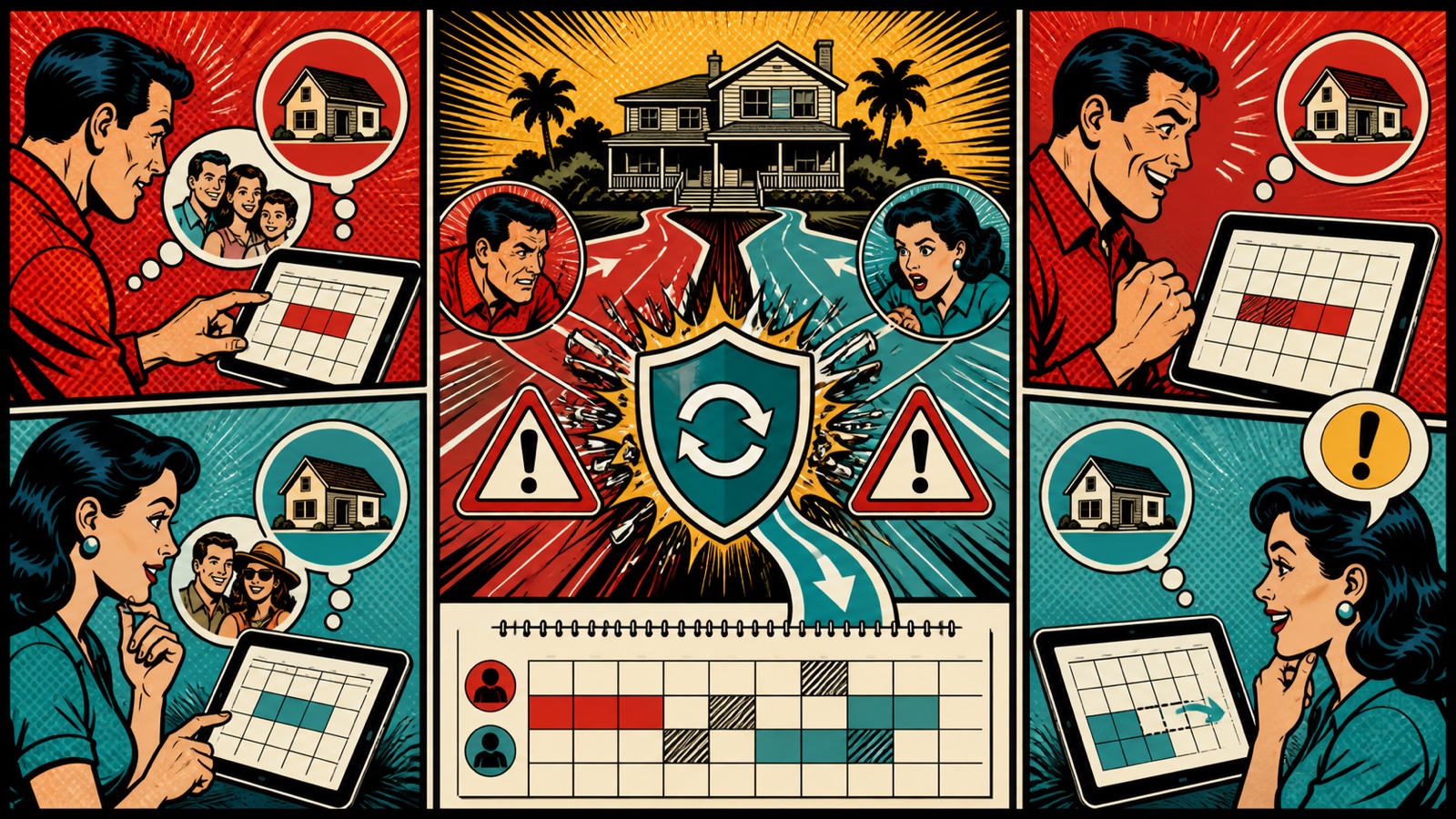
A double booking occurs when overlapping reservations are accepted for the same inventory. The immediate problem is relocation or cancellation; the broader damage can include fees, lost ranking, refunds, support time, and guest distrust. Learning how to prevent double bookings requires more than connecting a pair of calendars.
This guide covers Airbnb, Vrbo, Booking.com, and direct reservations, with controls for synchronization, manual blocks, inventory mapping, testing, monitoring, and incident response.
Why double bookings happen
- calendar feeds update after a delay;
- one-way sync is mistaken for two-way sync;
- the wrong listing or room is mapped;
- staff manually open dates in one channel;
- a reservation modification or cancellation fails to propagate;
- two systems both control availability;
- related room and entire-home listings are not linked;
- a direct booking or owner stay is not entered centrally;
- an API update is rejected or a connection expires.
Choose one source of truth
Every bookable unit should have one authoritative availability calendar. Booking channels receive availability from it, and every off-platform reservation or block enters it first. Allowing several systems to act as masters creates conflicting updates.
Document which tool controls availability, rates, restrictions, content, messages, and payments. These sources may differ, but each field needs an owner.
Use the right synchronization method
iCal feeds
iCal is widely supported and can exchange booked or blocked dates. It is relatively simple but generally transfers limited information and may refresh periodically. It requires correctly imported feeds in both directions and continued monitoring.
API channel manager
A direct channel-manager connection can update availability more quickly and exchange additional fields. It reduces manual work but still depends on correct mapping, valid credentials, channel uptime, and error handling.
See our complete Airbnb channel manager guide for vendor questions and migration steps.
Prevent double bookings step by step
1. Create an inventory map
List every physical unit and every online listing that sells it. Include alternate configurations such as private rooms plus an entire home, identical units, adjoining apartments, and direct-booking rate plans.
2. Link related Airbnb listings
Airbnb provides a native feature for certain listings within the same home. Its official calendar-linking guide explains how booking the parent can block associated listings. Confirm eligibility and test both booking directions.
3. Connect each external channel
Use the approved API connection where appropriate. If using iCal, import the central calendar into each channel and each channel back into the central system as required. Label every feed clearly.
4. Enter manual reservations immediately
Phone, walk-in, owner, maintenance, and direct reservations must block availability before confirmation is sent. Avoid personal calendars or private spreadsheets that do not update sales channels.
5. Test normal and exception events
Create controlled blocks or test reservations and verify every channel. Then test date changes, shortening, extensions, cancellations, reopened dates, same-day changes, preparation time, and linked inventory.
6. Monitor failures
Enable connection and sync alerts. Review logs, expired authorizations, unmapped listings, rejected updates, and unexplained availability differences. Assign one person to resolve each alert.
7. Restrict manual changes
Use role-based permissions and train staff to edit the central system. Document when channel-side changes are allowed and how they are reconciled.
Daily and weekly checks
For high-risk or high-volume operations, review arrivals, departures, new reservations, cancellations, and unassigned units daily. Weekly, compare future occupancy across the central calendar and major channels, inspect failed syncs, and verify that owner or maintenance blocks remain present.
What to do after a double booking
- Stop additional sales for the affected dates.
- Confirm timestamps, channels, inventory, and reservation status.
- Follow platform rules and contact support where required.
- Communicate honestly with affected guests without blaming them.
- Explore comparable relocation and documented compensation options.
- Preserve logs before changing configuration.
- Identify the root cause and test the correction.
- Review other dates and listings for the same failure pattern.
Common mistakes
- Assuming calendar sync is instantaneous.
- Connecting feeds in only one direction.
- Using the same physical unit as separate independent inventory.
- Running an old PMS and new channel manager simultaneously.
- Ignoring connection-expired emails.
- Deleting a cancellation before confirming channels reopened correctly.
- Failing to enter owner stays and direct bookings.
Double-booking prevention checklist
- One authoritative calendar per unit.
- Documented mapping of every listing.
- API or two-way calendar connections verified.
- Related inventory linked.
- Manual reservations entered centrally.
- Permissions restricted.
- Modification and cancellation tests passed.
- Sync alerts assigned.
- Incident and relocation procedure documented.
Frequently asked questions
Can Airbnb and Vrbo calendars be synced?
Both support external calendar workflows, and many channel managers connect them. Verify direction and refresh behavior because basic feeds may not update immediately.
Will a channel manager eliminate all risk?
No. It materially reduces manual risk, but outages, mapping mistakes, rejected updates, and human overrides still require controls.
Should direct bookings enter the PMS?
Yes. Any confirmed stay should block the authoritative inventory immediately.
Why did a canceled booking not reopen everywhere?
The channel may retain a block, a sync may fail, or a preparation or linked-inventory rule may still apply. Review the reservation event and connection logs before manually reopening dates.
Conclusion
Preventing double bookings depends on one source of truth, correct inventory mapping, suitable connection technology, restricted manual edits, and active error monitoring. Synchronization is a process, not a one-time switch.
Test changes and cancellations, maintain an incident plan, and audit every connection after migrations or platform updates.

Artigos Relacionados




Sobre o Autor

0 Comentários