How to Create Standard Operating Procedures for a Vacation Rental

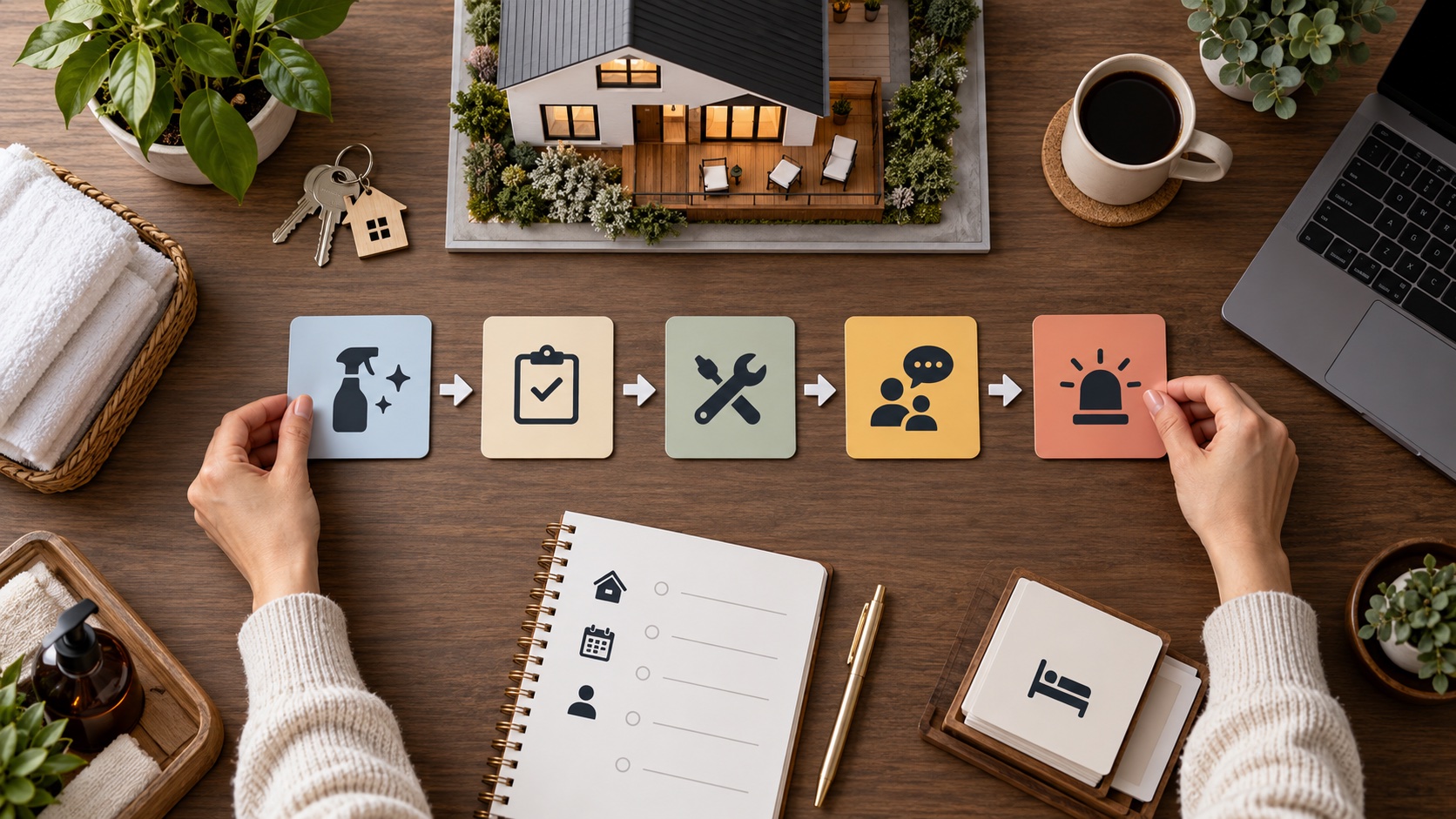
Vacation rental standard operating procedures are written, property-specific instructions that define who performs a task, when it happens, what “complete” means, what evidence is required, and how exceptions are escalated. Good SOPs reduce dependence on memory without turning hospitality into rigid scripts.
This guide explains how to document turnovers, inspections, guest communication, access, maintenance, vendors, emergencies, and financial controls in a system that staff can actually use.
What is a vacation rental SOP?
An SOP describes a repeatable process. A checklist says what to verify; an SOP also explains context, sequence, responsibility, tools, decision limits, and escalation. A policy defines the rule, while the SOP explains how the team applies it.
For example, “inspect the bathroom” is a checklist item. An inspection SOP defines when the bathroom is inspected, the finished condition, evidence, who corrects a failure, and who can release the property.
Choose the first processes to document
Prioritize tasks with guest impact, safety risk, frequent handoffs, or recurring errors:
- Reservation acceptance and calendar changes.
- Pre-arrival review and guest messaging.
- Access-code creation and backup entry.
- Cleaning, linen, restocking, and final inspection.
- Maintenance intake, triage, authorization, and closure.
- Vendor access and work verification.
- Noise, neighbor, damage, and rule incidents.
- Fire, water, outage, evacuation, and medical emergencies.
- Refund, invoice, payout, and owner-report controls.
Do not begin by documenting rare administrative details while the arrival or emergency process remains informal.
Use one repeatable SOP structure
- Purpose: the outcome the procedure protects.
- Scope: properties, roles, reservations, and exclusions.
- Trigger: event or time that starts the procedure.
- Owner: person accountable for completion.
- Inputs: reservation, checklist, tools, codes, and records.
- Steps: numbered actions in execution order.
- Standard: observable definition of done.
- Evidence: photos, readings, timestamps, or approvals.
- Exceptions: decision limits and escalation contacts.
- Record: where the completed work is stored.
Write for the person doing the work
Use short sentences, precise verbs, property names, room names, and real system labels. Replace “check supplies” with “count sealed toilet-paper rolls in the bathroom cabinet; restock to six; record shortage in inventory.”
Add photographs or diagrams where location matters, but keep credentials and private guest information in secure systems. The SOP should link to the secret, not expose it.
Document the turnover workflow
Separate cleaning from readiness approval. Define checkout confirmation, property entry, damage scan, cleaning route, linen control, restocking, maintenance reporting, final inspection, and release.
Link detailed standards to the inventory management guide and inspection checklist. Each exception needs an owner and due time.
Document guest communication
Define the purpose and timing of booking confirmation, pre-arrival, access, mid-stay, checkout, and incident messages. Templates should contain verified variables and a clear human-review path.
Do not automate sensitive disputes or emergencies without supervision. The guest messaging automation guide explains timing and fallbacks.
Document access and credential control
Specify who creates codes, activation and expiration times, identity verification, backup keys, vendor access, failed-lock response, and credential removal. Never place permanent administrator passwords inside a widely shared checklist.
Test the procedure against same-day bookings, date changes, early arrival, late checkout, lost internet, dead batteries, and platform outages.
Document maintenance and vendors
Define severity levels, guest communication, spending authority, vendor selection, access, scope changes, completion evidence, and reopening approval. A “vendor completed” message is not the same as verified readiness.
Use the vendor management guide and maintenance log as supporting procedures.
Create emergency playbooks
Emergency SOPs should be shorter than routine procedures. Put life-safety actions first, then contacts, authority, communication, relocation, documentation, and recovery.
Keep printed critical contacts and procedures at the property. An emergency system that exists only in cloud software may disappear during the event.
Set decision rights
Clarify what cleaners, co-hosts, managers, and vendors may decide. Examples include shutting off water, pausing a listing, authorizing emergency containment, buying replacement supplies, or relocating a guest.
Use spending and risk thresholds. A local manager may need immediate authority to stop an active leak while permanent reconstruction requires owner approval.
Control versions
Each SOP should show owner, version, approval date, last test, and next review. Archive old versions but keep only the current procedure in the team’s working location.
Review after incidents, property changes, new equipment, platform policy changes, vendor changes, and staff feedback. Update linked screenshots when software interfaces change.
Train and test the team
Training is not sending a document. Demonstrate the process at the property, observe the team performing it, test exceptions, and record competence. Ask a new person to use the SOP without verbal help; confusion reveals missing information.
Run tabletop scenarios for a lock failure, water leak, cleaning delay, power outage, neighbor complaint, and double booking.
Common SOP mistakes
Map the complete reservation lifecycle
Use the guest journey as the backbone: inquiry, booking, payment, pre-arrival, turnover, access, occupied stay, checkout, inspection, review, accounting, and retention. For each stage, identify systems, handoffs, decisions, records, and failure points.
This prevents an SOP collection made of isolated tasks. A booking-date change, for example, should update cleaning, access, messages, pricing, vendor appointments, and owner reporting. The procedure must show how one event reaches every dependent system.
Create role-based views
The owner needs approval and risk information; the cleaner needs property and timing instructions; the co-host needs guest context and authority; the vendor needs scope and access. Keep one controlled process but present each role only the information it needs.
Avoid sending an entire operations manual to every contractor. Excess information increases privacy and security risk and makes the current instruction harder to find.
Define service levels and escalation clocks
Assign response targets by severity. A smoke alarm, active leak, lockout, sewage backup, or unsafe temperature requires a different clock from a missing wine glass or minor cosmetic issue. Define acknowledgement, attendance, guest-update, and closure expectations.
Service levels should reflect location, staffing, and real vendor availability. Do not publish a five-minute response promise when the nearest responder is an hour away.
Build quality control into the process
Every critical process needs an independent verification point. The cleaner can complete the turnover; a trained inspector or remote reviewer verifies selected evidence and final readiness. A vendor can report repair completion; a competent person confirms the property is safe to return to service.
Define what happens when evidence conflicts with the status. The system should prevent “complete” from closing a task that still shows a failed condition.
Use automation without hiding failure
Automation can create tasks, send routine messages, schedule codes, and notify staff. It should record success or failure and route exceptions to a named person. A workflow that silently stops after a disconnected integration is not an SOP.
Test date changes, cancellations, manual bookings, time zones, lost internet, duplicate events, and vendor downtime. Preserve a manual path for access, guest contact, and emergencies.
Example: same-day turnover SOP
- The system confirms checkout and identifies approved late departure.
- The cleaner receives entry permission and the property-specific scope.
- Initial condition and damage exceptions are documented.
- Cleaning, laundry, restocking, and maintenance tasks proceed.
- Critical defects are escalated before the readiness deadline.
- A final inspector verifies the completed standard and access.
- The property is released; only then is the arrival message sent.
If the deadline cannot be met, the exception path tells the manager when to delay access, contact the guest, arrange extra staff, or use another authorized remedy.
Example: active water leak SOP
The guest is guided away from electrical or slip hazards. The authorized responder stops water if safe, contacts the plumber and mitigation team, documents affected areas, and updates the guest. The manager decides whether relocation is necessary and notifies the insurer where required.
The property reopens only after the source, moisture, affected materials, utilities, and guest areas are verified. The incident review updates inspection, sensors, vendor contacts, and authority limits.
Measure whether SOPs improve operations
Track completion, overdue critical tasks, repeated exceptions, callbacks, guest-impact incidents, manual corrections, access failures, and time to close. Do not reward superficial checklist completion; measure the finished condition.
Ask staff which steps are unclear, duplicated, or impossible. A procedure repeatedly bypassed may be badly designed, not evidence of a careless team.
Create a document hierarchy
Keep a short operations manual that links to property profiles, policies, SOPs, checklists, emergency cards, vendor records, and forms. This prevents one enormous document from becoming unsearchable. Each item should identify its owner and controlled location.
Use consistent names: property code, room, system, task, and severity. If the same water heater has three names across the maintenance app, inspection form, and vendor invoice, teams can attach evidence to the wrong asset.
Manage onboarding and offboarding
New staff should receive only the systems, properties, keys, codes, and data required for their role. Training should cover privacy, safety, guest contact, incident escalation, and evidence standards before independent work.
When a person leaves, revoke accounts, smart-lock access, shared links, payment permissions, and vendor authority promptly. Reassign open tasks and preserve business records. Offboarding is an SOP, not an informal reminder.
Plan business continuity
Ask what happens if the owner, manager, cleaner, software platform, phone, internet connection, or primary vendor is unavailable. Assign backups and maintain essential offline information. No critical process should depend on one person’s memory or personal account.
Test continuity by having a backup manager run one arrival or incident without verbal guidance. Update the documentation from every gap discovered.
Keep financial controls separate
Document who can issue refunds, change prices, approve vendor invoices, use emergency funds, and reconcile payouts. Require appropriate evidence and separate approval where risk justifies it.
Operational urgency should not eliminate accountability. A responder can be authorized to contain a leak immediately while the invoice and permanent repair still follow review.
- Copying one generic procedure across different properties.
- Writing policy statements instead of executable steps.
- Hiding passwords inside documents.
- Failing to define who can make decisions.
- Collecting evidence that nobody reviews.
- Keeping duplicate versions in messages and drives.
- Automating exceptions without a human fallback.
- Never testing the procedure under realistic conditions.
SOP creation checklist
- List high-risk and high-frequency processes.
- Assign one owner to each procedure.
- Observe the current process before writing.
- Define trigger, steps, standard, evidence, and escalation.
- Use property-specific names and photographs.
- Separate secrets from working instructions.
- Test with the person who performs the work.
- Correct gaps and approve the version.
- Train backups and test exceptions.
- Review after incidents and scheduled intervals.
Frequently asked questions
What is the difference between an SOP and a checklist?
A checklist confirms items; an SOP explains the full process, responsibility, sequence, standard, evidence, and escalation. A checklist can be part of an SOP.
How many SOPs does a host need?
There is no fixed number. Begin with safety, guest access, turnovers, maintenance, money, and recurring failure points, then add procedures where evidence shows a need.
Where should SOPs be stored?
Use one controlled, accessible source with permissions and version history. Keep critical offline emergency information at the property.
Should every exception be automated?
No. Automate predictable low-risk steps and keep human approval for safety, disputes, refunds, access anomalies, and unusual conditions.
How often should SOPs be reviewed?
Review periodically and after incidents, policy changes, equipment replacement, property renovations, or team changes.
Final recommendation
Start with the five procedures that can most quickly harm a guest or stop a stay. Write them for the real property, test them with the actual team, and define who can act when the normal path fails.
A useful SOP is not the longest document. It is the current instruction that helps the right person produce a verifiable result under real operating conditions.

Artigos Relacionados




Sobre o Autor
