Smart Thermostats for Vacation Rentals: Setup, Automation, and Guest Comfort

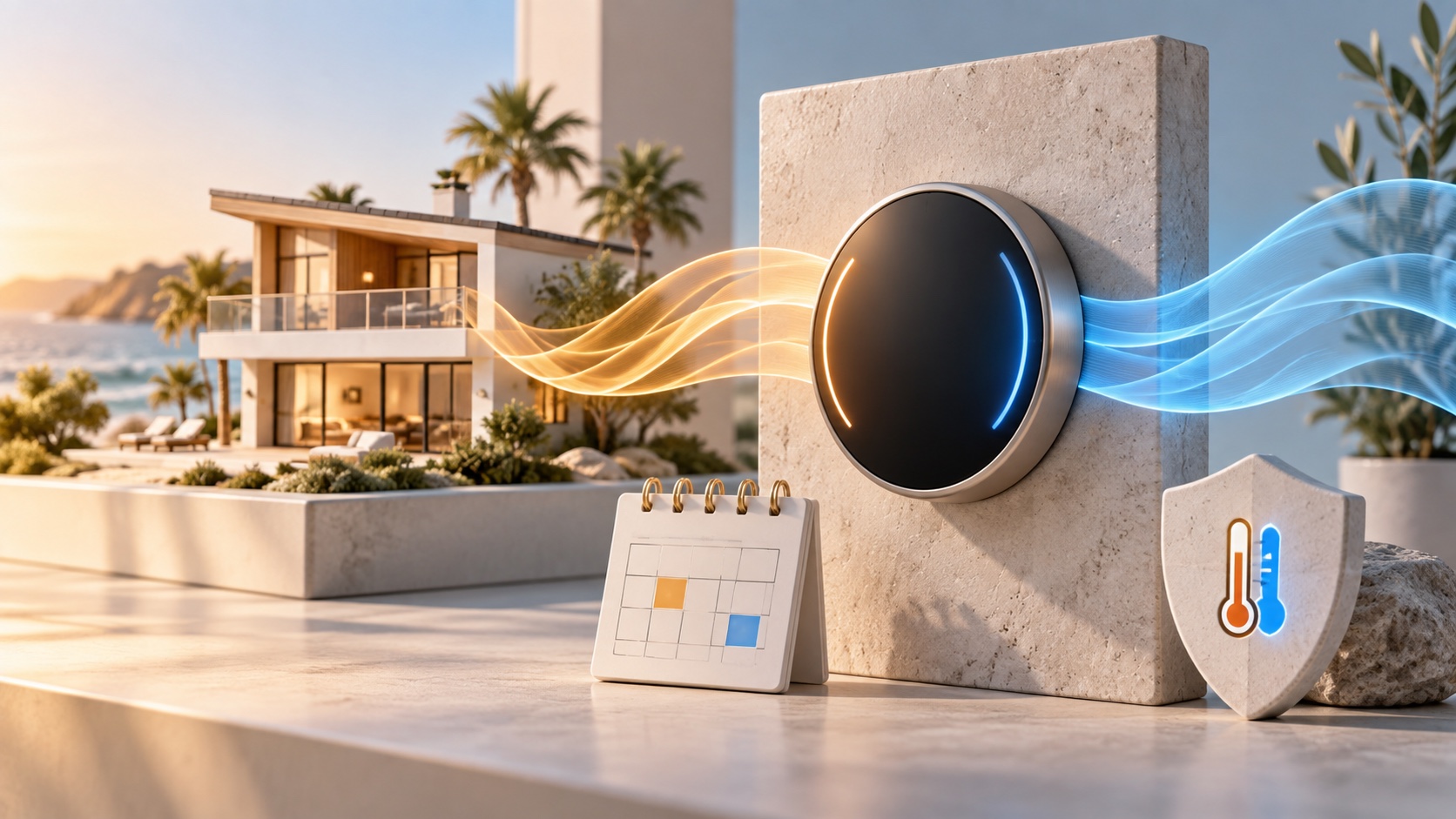
A smart thermostat for a vacation rental gives hosts remote temperature control, schedules, safety limits, and equipment alerts while allowing guests reasonable comfort. The best setup does not lock visitors into one rigid temperature. It creates a safe adjustment range, prepares the property before arrival, reduces unnecessary heating or cooling between stays, and alerts the team when the system behaves unexpectedly.
This guide explains how to choose, install, and automate a vacation rental thermostat without creating guest frustration or risking the HVAC system. Features vary by model, region, and equipment, so confirm current specifications and use a qualified HVAC professional when compatibility is uncertain.
What Is a Smart Thermostat for Vacation Rentals?
A smart thermostat is an internet-connected controller that manages heating and cooling using schedules, sensors, remote commands, and configurable temperature rules. ENERGY STAR describes common capabilities such as smartphone control, energy-use information, learning schedules, geofencing, standby modes, and software updates.
In a short-term rental, the operating pattern is different from a primary home. Guests change frequently, occupancy dates come from a booking calendar, cleaners and maintenance workers enter between stays, and comfort expectations vary. A host therefore needs predictable reservation-based settings more than a thermostat that learns one household’s routine.
Is a Smart Thermostat Worth It for a Vacation Rental?
A smart thermostat is usually worth considering when the property has central heating or cooling, reliable internet, meaningful vacancy periods, and a local person who can respond if remote control fails. It is less useful when the HVAC system is incompatible, the home uses individual room units without integration, or the host has no backup plan for connectivity and equipment problems.
Potential benefits
- Prepare a comfortable temperature before check-in
- Return to a vacancy setting after confirmed checkout
- Receive high, low, humidity, filter, or equipment alerts when supported
- Prevent extreme settings with an adjustable guest range
- Review runtime and temperature history for maintenance clues
- Manage multiple properties without visiting every thermostat
These benefits depend on correct installation, truthful occupancy data, compatible integrations, and responsible settings. Do not promise a specific energy saving unless you have measured comparable periods and controlled for weather, occupancy, rates, and equipment changes.
Check HVAC Compatibility Before Buying
Compatibility is the first decision, not the thermostat’s appearance. ENERGY STAR recommends confirming that the product works with the home’s heating and cooling system. Some high-efficiency or communicating systems perform best with the manufacturer’s own controller.
Document the existing equipment and ask:
- Is the system conventional, heat pump, boiler, furnace, radiant, or line voltage?
- Does it have single-stage or multi-stage heating and cooling?
- Is there auxiliary or emergency heat?
- Does the thermostat location have the required wiring and power?
- Does the system use a proprietary communicating controller?
- Are remote room sensors supported?
- Will installation affect equipment warranties or service agreements?
A compatibility checker is helpful but not a substitute for an HVAC assessment when wiring is unclear. Photograph and label the original wiring before disconnection. Turn off power at the appropriate breaker and follow the equipment instructions. If you are not trained to work safely with the system, hire a qualified installer.
Features Vacation Rental Hosts Should Compare
| Feature | Vacation rental use | Question to verify |
|---|---|---|
| Remote control | Adjust and verify settings without a site visit | What still works when Wi-Fi or cloud service is unavailable? |
| Guest temperature range | Preserves comfort while preventing extreme settings | Can guests adjust locally without receiving account access? |
| Schedules and presets | Supports occupied, arrival, cleaning, and vacant states | Can automation override the wrong schedule safely? |
| Safety temperatures | Helps protect against freezing or excessive heat | Do safety limits remain active in Off or Eco modes? |
| Temperature sensors | Measures the room guests actually use | Can the system prioritize different sensors by time? |
| Humidity monitoring | Supports comfort and moisture-risk checks | Is it measurement only, or can it control equipment? |
| Equipment alerts | Flags unusual runtime or failure patterns | Who receives alerts, and what conditions trigger them? |
| Role-based access | Separates owner, manager, and contractor permissions | Can access be revoked without resetting the property? |
| PMS or automation integration | Links presets to reservation events | Which events, delays, and failure notifications are supported? |
Safety Temperatures vs. Comfort Settings
Hosts should separate two concepts. A comfort setting is the target during an occupied stay. A safety temperature is a protective limit designed to prevent a property from becoming dangerously cold or hot.
Google’s Nest safety-temperature documentation, for example, says compatible thermostats can activate heating or cooling at specified safety limits even when the normal mode is off. Exact behavior depends on the model and installed equipment.
Do not use a property-protection limit as the guest’s normal comfort setting. A temperature that prevents frozen pipes may still be far too cold for an arriving traveler. Conversely, a comfortable arrival setting may waste energy during a week-long vacancy.
A Practical Reservation-Based Temperature Plan
Create named operating states before connecting any automation:
- Vacant: conservative heating or cooling with safety protection active.
- Pre-arrival: starts early enough to reach a comfortable range before check-in.
- Occupied: gives guests a reasonable local adjustment range.
- Checkout: waits until the reservation and turnover status are confirmed.
- Cleaning: supports staff comfort without running the full occupied schedule all day.
- Maintenance: prevents automation from changing settings during HVAC work.
- Emergency: assigns a human response for extreme temperature or equipment alerts.
Use booking events as signals, not unquestionable truth. A guest may arrive early with approval, extend a reservation, check out late, or remain while a calendar integration is delayed. Build buffers and give the team a manual override.
How to Automate a Vacation Rental Thermostat
1. Start with manual presets
Test each state from the thermostat and app. Confirm that heating, cooling, fan, auxiliary heat, sensors, and safety limits behave correctly. Monitor several normal stays before introducing reservation automation.
2. Connect the booking source carefully
A property management system or automation platform may send check-in, checkout, cancellation, or vacancy events. Verify the property mapping and time zone. A thermostat assigned to the wrong listing is a serious operational error.
3. Add a pre-arrival buffer
The home needs enough time to reach the target under current weather conditions. Avoid a fixed promise such as “comfortable within 30 minutes.” Equipment capacity, home construction, outdoor temperature, and the starting point affect recovery time.
4. Protect checkout transitions
Do not switch to a wide vacancy range at the exact scheduled checkout time if guests may still be inside. Use a reasonable delay, cleaner confirmation, occupancy signal, or operations check depending on the property and applicable privacy rules.
5. Create failure alerts
The team should know when the thermostat is offline, the room does not approach the set point, the system runs unusually long, or temperature reaches a safety boundary. Remote visibility is useful only when someone owns the response.
Give Guests Reasonable Control
A vacation rental is a paid accommodation, not an unoccupied building. Guests should be able to understand and adjust the temperature within a reasonable range. Excessively narrow locks, hidden automation, or remote changes during a stay can create discomfort and negative reviews.
Google’s current Nest locking guidance describes compatible models that can restrict local changes to a selected range. Availability and minimum ranges vary by model and region. Whatever product you use, test the guest-facing controls and provide simple instructions without sharing the owner’s account credentials.
A guest guide should explain:
- Where the thermostat is located
- How to raise or lower the temperature
- The permitted adjustment range
- Expected delay before the room changes
- Which windows or doors affect the system
- How to request help
Should You Use Occupancy Detection or Geofencing?
Home-oriented thermostats may use geofencing or presence sensing to determine when a household is away. In a rental, the owner’s phone location is not the guest’s occupancy status. A learning feature may also create a schedule from several unrelated guests.
Disable or carefully configure features that assume one permanent household. Do not require guests to install a personal app, share phone location, or join the owner’s smart-home account simply to obtain normal climate control. Review privacy obligations for any occupancy sensor and disclose capabilities when required.
Remote Sensors and Difficult Rooms
The thermostat measures the temperature where it is installed, which may not represent a sunny bedroom, upper floor, basement, or room above a garage. A compatible remote sensor can help, but only when placed correctly and assigned to a sensible schedule.
Avoid direct sunlight, supply vents, exterior doors, kitchens, fireplaces, and other local heat sources unless the manufacturer specifically instructs otherwise. Compare readings with a reliable reference thermometer and investigate persistent differences rather than correcting them with extreme set points.
Privacy and Account Security
Smart thermostats can collect temperature, equipment-runtime, occupancy, network, and device information. Some integrate with voice assistants, motion sensors, or broader home systems. Collect only what the operation needs and review the manufacturer’s privacy controls.
- Use a dedicated business account rather than a personal family account.
- Enable multi-factor authentication when available.
- Give team members the least access required.
- Remove former employees and vendors promptly.
- Keep the thermostat on a secured property network.
- Document every third-party integration.
- Do not expose owner email, schedules, or other properties to guests.
Common Smart Thermostat Mistakes
- Buying before checking compatibility. Attractive hardware cannot correct an unsupported HVAC system.
- Using the owner’s home automation unchanged. Geofencing and learning schedules behave differently with rotating guests.
- Locking the temperature too tightly. Energy control should not eliminate reasonable comfort.
- Sharing the main account. Guests and contractors should not receive administrator access.
- Changing temperature during a stay without context. A remote command can override a legitimate guest adjustment.
- Turning the system fully off between stays. This can create freeze, heat, humidity, or recovery-time risks.
- Ignoring offline alerts. The thermostat may continue local control, but the host loses remote visibility.
- Assuming automation saved money. Measure runtime and bills across comparable weather and occupancy.
- Having no manual fallback. Guests and local staff need instructions when the app or internet fails.
Smart Thermostat Setup Checklist
- Identify HVAC type, stages, wiring, voltage, and accessories.
- Confirm compatibility with the exact thermostat model.
- Use a qualified installer when wiring or configuration is uncertain.
- Test heating, cooling, fan, auxiliary heat, and remote sensors.
- Set property-protection safety temperatures.
- Create vacant, pre-arrival, occupied, cleaning, and maintenance presets.
- Give guests a reasonable adjustment range.
- Write simple local-control and support instructions.
- Verify property mapping, time zone, and reservation triggers.
- Add buffers for early arrival, late checkout, and system recovery.
- Assign high/low, offline, and equipment alerts to a person.
- Secure accounts, roles, integrations, and Wi-Fi.
- Test manual fallback and local emergency contacts.
- Review runtime, comfort complaints, and maintenance data regularly.
A smart thermostat can join a larger operations system. PainHost’s guide to Zapier automations for vacation rentals explains how to keep high-risk exceptions under human review, while the digital welcome book guide shows how to organize guest-facing instructions.
Frequently Asked Questions
What is the best smart thermostat for an Airbnb?
The best option is one that is compatible with the property’s HVAC equipment and supports the controls the operation needs: remote access, schedules, guest adjustment limits, safety temperatures, alerts, reliable local control, and secure team access. There is no universal model for every system.
Can an Airbnb host lock the thermostat?
Some thermostats support a PIN or permitted temperature range. Hosts should still provide reasonable comfort, clear instructions, and a way to request help. Check local accommodation rules and the product’s exact behavior.
What temperature should a vacation rental use?
No single temperature fits every climate, building, HVAC system, or guest. Define safe and reasonable ranges using local conditions, equipment guidance, property risks, and guest comfort rather than copying a number from another host.
Should the thermostat turn off after checkout?
Usually a vacancy preset is safer than disabling all climate control. Maintain appropriate safety limits for freezing, overheating, humidity, pets when permitted, plants, and sensitive property contents.
Can a smart thermostat detect whether guests are home?
Some models use motion, connected sensors, or geofencing, but those signals can be incomplete and may create privacy obligations. Do not use the owner’s phone location as guest occupancy, and do not require unnecessary guest tracking.
What happens if the Wi-Fi goes down?
Many thermostats continue local HVAC control and stored schedules, but remote commands and notifications may stop. Confirm the exact offline behavior, keep local controls available, and create a support plan.
Will a smart thermostat lower vacation rental energy bills?
It can reduce unnecessary runtime when schedules and vacancy settings are appropriate, but results vary. Measure energy use across comparable weather, occupancy, rates, and equipment conditions before claiming savings.
Final Takeaway
Smart thermostats for vacation rentals work best as comfort and property-protection tools supported by thoughtful automation. Start with HVAC compatibility, preserve safety temperatures, give guests reasonable control, secure the account, and assign every alert to a real person. Automate predictable reservation transitions, but keep manual overrides and local support ready for exceptions.

Artigos Relacionados




Sobre o Autor

0 Comentários